
Introduction
Have you ever wondered what's behind the websites you visit every day? There's a good chance the answer is WordPress. It powers a huge share of the internet, from personal blogs to major business sites, and in this post, I'll break down exactly what it is and why so many people use it.
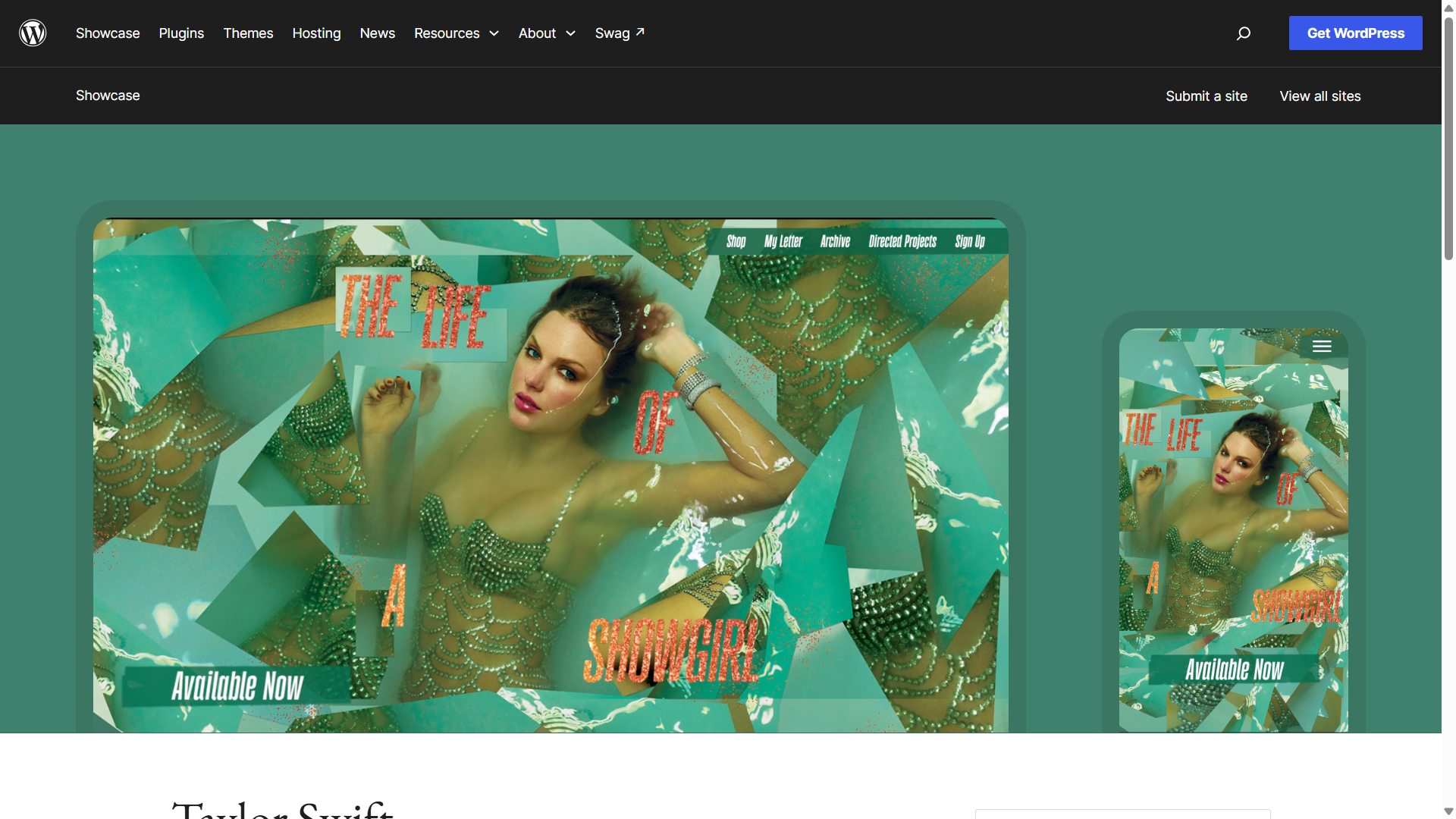
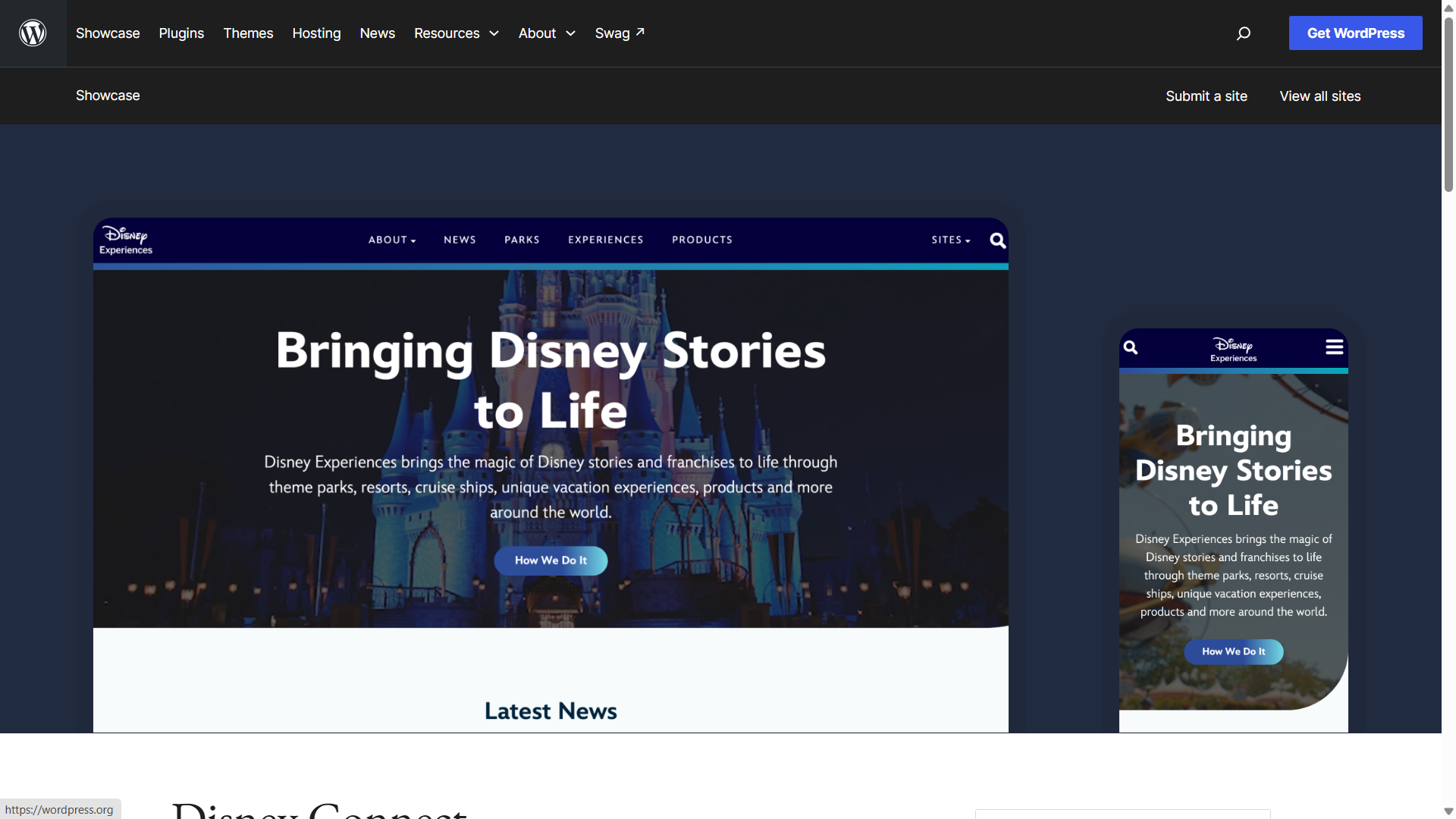
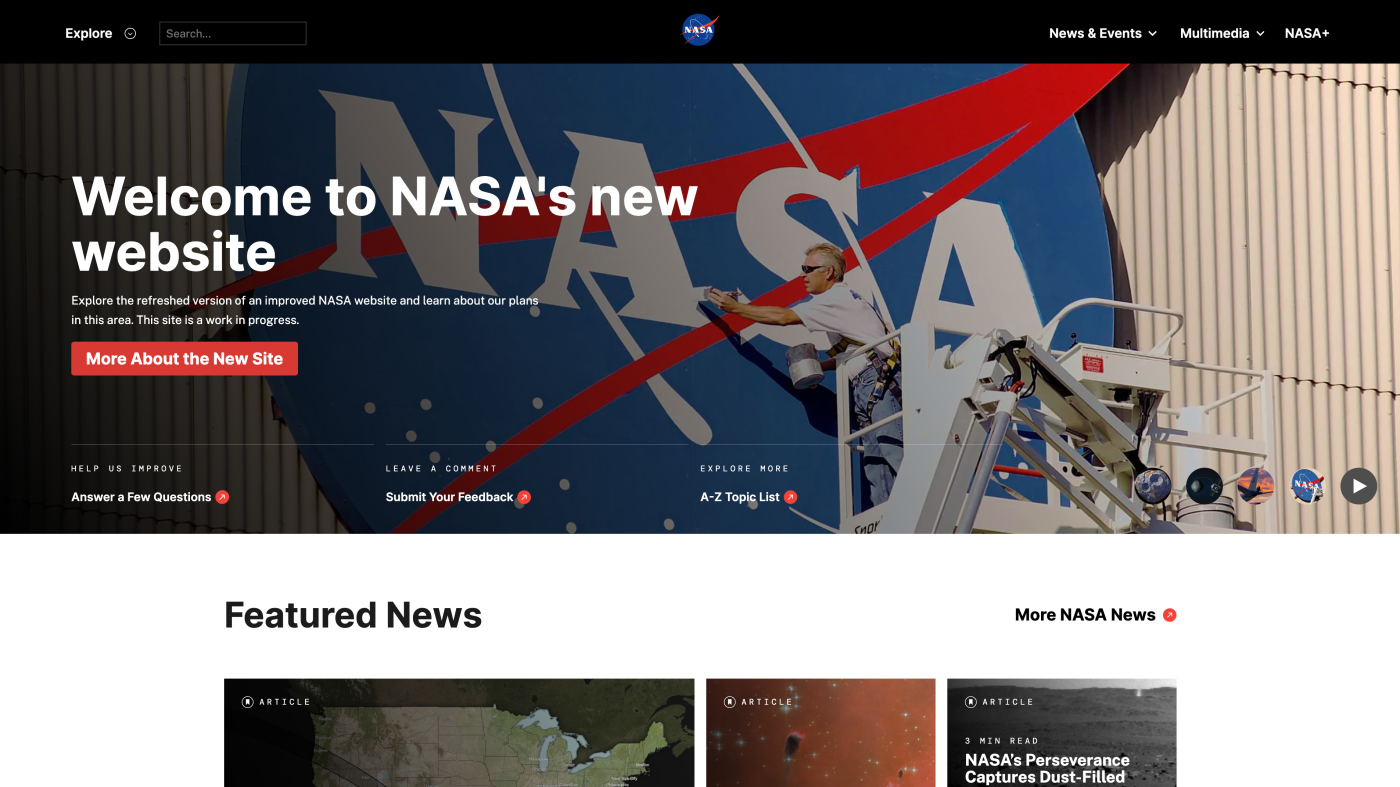
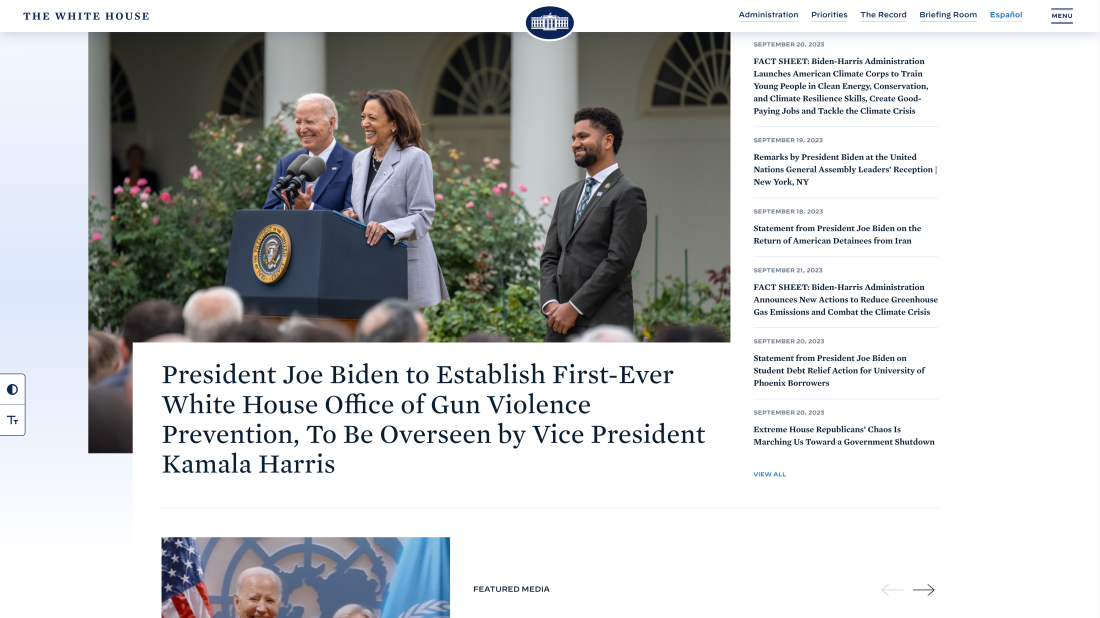
Here are sample websites created by WordPress.
What Is WordPress?
WordPress is free, open-source software that lets you build and manage a website. You don't need to know how to code to use it, and most tasks can be done with just a few clicks.
WordPress.org vs. WordPress.com
There are two versions of WordPress, and it's easy to mix them up. WordPress.org is the self-hosted version. You download the software yourself and get full control over your site, but you'll need to arrange your own hosting and domain. WordPress.com, on the other hand, is a hosted service that handles setup for you, though the free plan comes with more limitations.
| Feature | WordPress.org | WordPress.com |
|---|---|---|
| Cost | Free software (pay for hosting/domain) | Free plan available, paid plans for more features |
| Hosting | You choose your own host | Hosting included |
| Custom themes/plugins | Yes, unlimited | Limited or requires a paid plan |
| Best for | Businesses, stores, long-term projects | Simple blogs, quick personal sites |
Why People Use It
WordPress is popular for a few simple reasons. It's free to use, so you only pay for hosting and a domain name. There are thousands of themes to control how your site looks, and thousands of plugins to add new features. Because of this flexibility, WordPress works well for blogs, business websites, online stores, and almost anything in between.
How to Get Started (Quick Steps)
Getting started with WordPress is fairly simple.
- Choose a domain name and sign up for hosting.
- Install WordPress, which most hosting providers let you do in just one click.
- Pick a theme that fits the look you want.
- Start adding your content and publish your site.
Conclusion
WordPress is a free, flexible tool that makes it easy for anyone to build a website, even without coding skills. If you're ready to try it, start by picking a simple theme and creating your first page.